
Property sheets that stay current.
Organize property details, then create a maisoku flyer and a public listing page. When the vacancy status changes, the person who made them can update it.
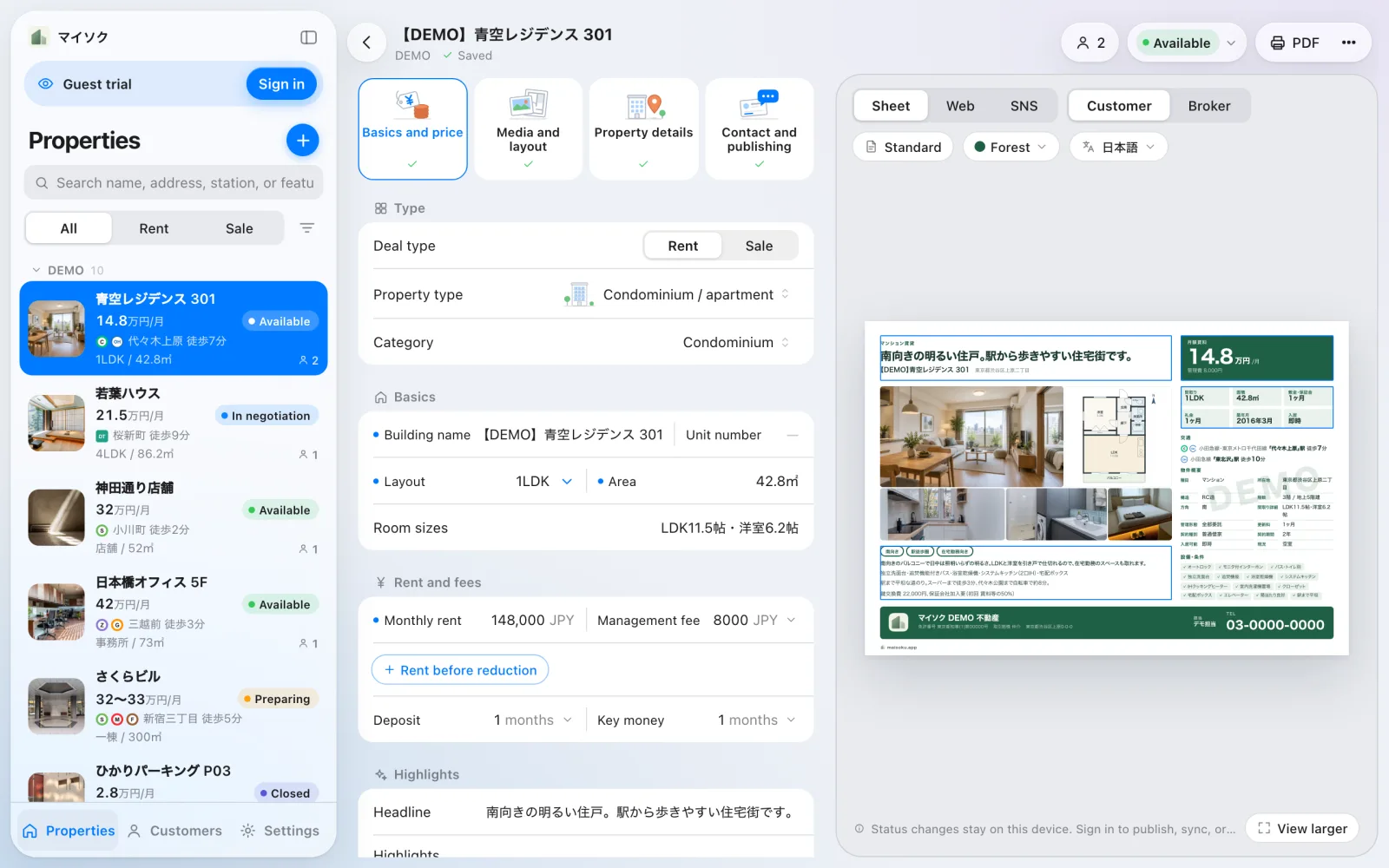
From details to a published page in three steps
Enter and check the details
Fill in each field, or create candidates from labeled text, CSV, Excel, Word or PDF files. You review them before they become drafts.
Preview the flyer and save a PDF
Edit the A4 maisoku in 20 landscape and portrait styles while you preview it. Save a PDF from the browser's print dialog or from the app.
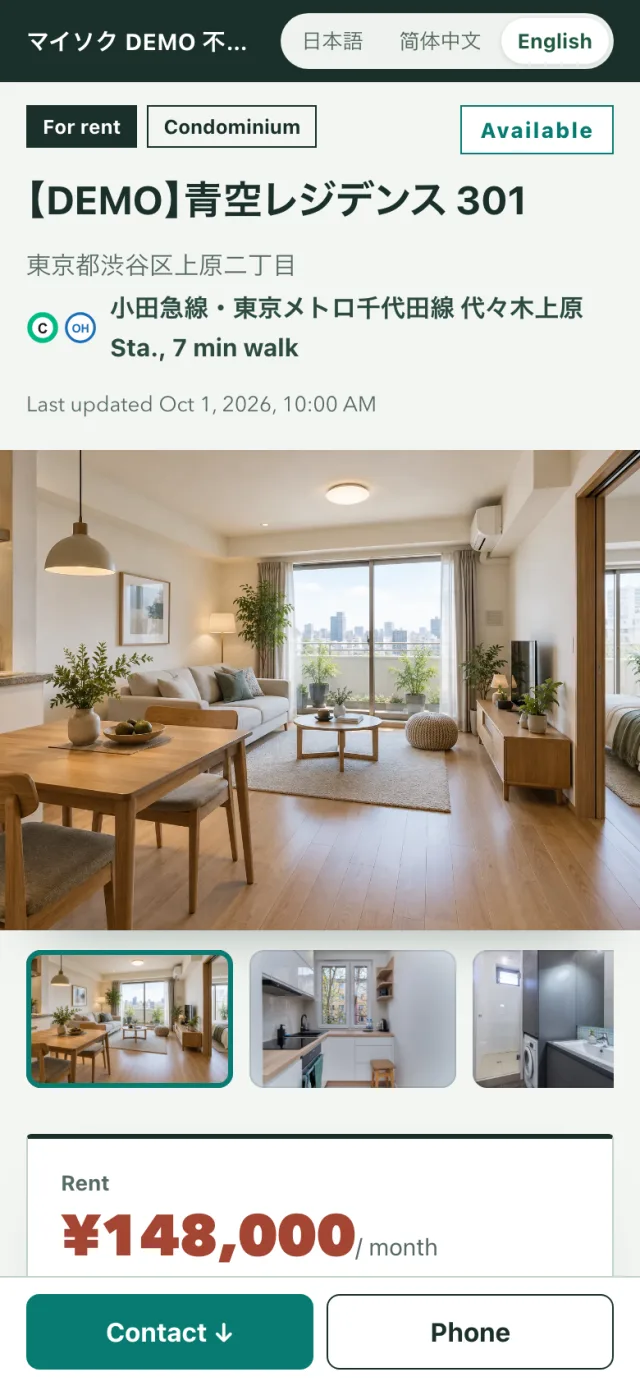
Publish the page and update the status
Publishing creates a page for each property. When an application comes in or a contract is signed, the person who made it can update the status.
Twenty sheet styles to suit the property
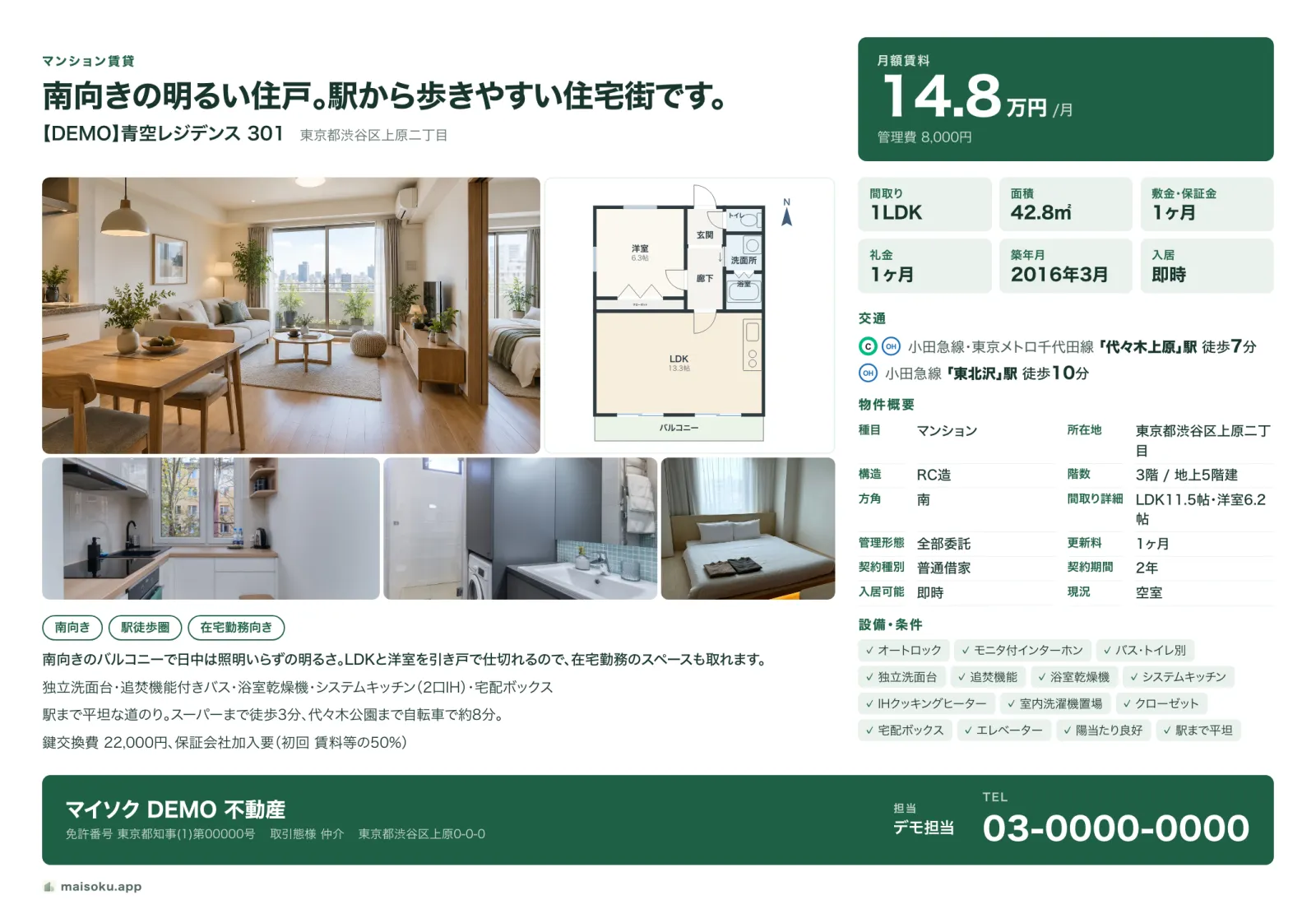
These sheets are the app's demo listings, saved in its real styles. Each style comes in 12 colours.
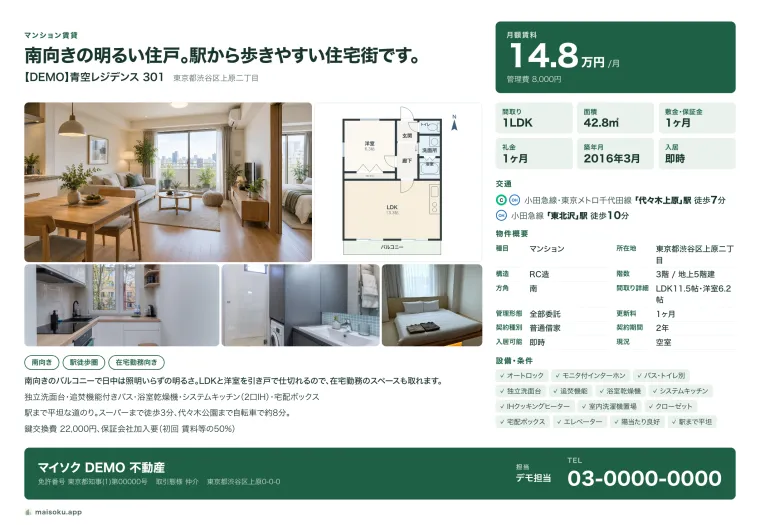
Apartment for rentStandard 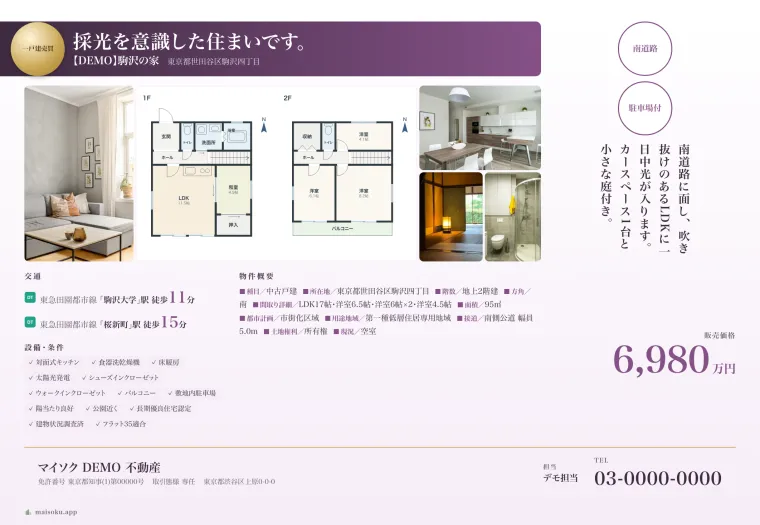
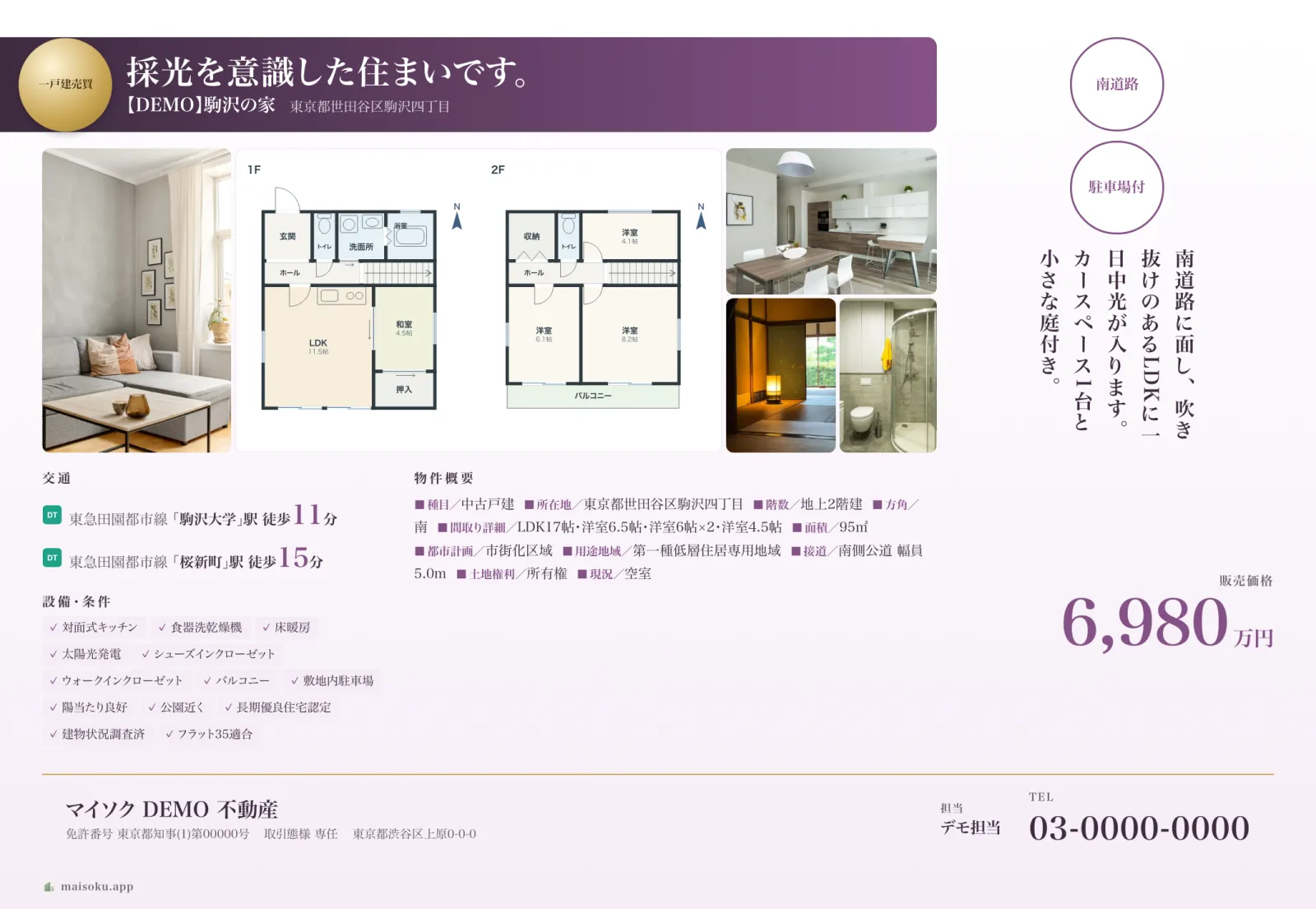
House for salePremium 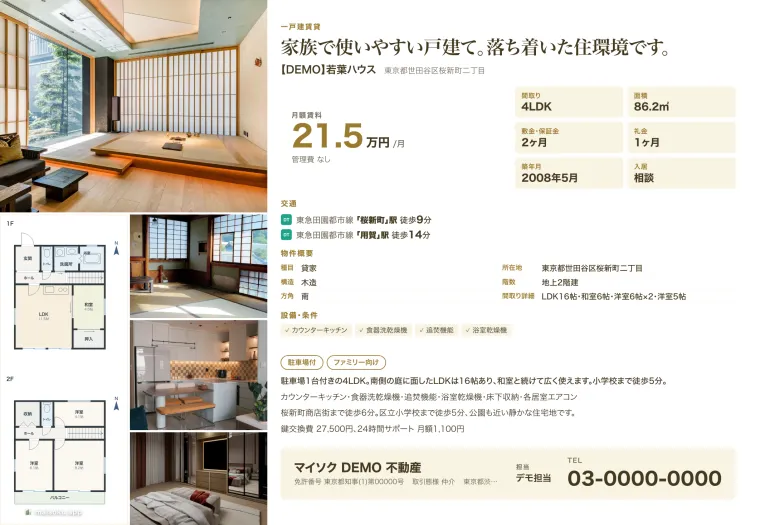
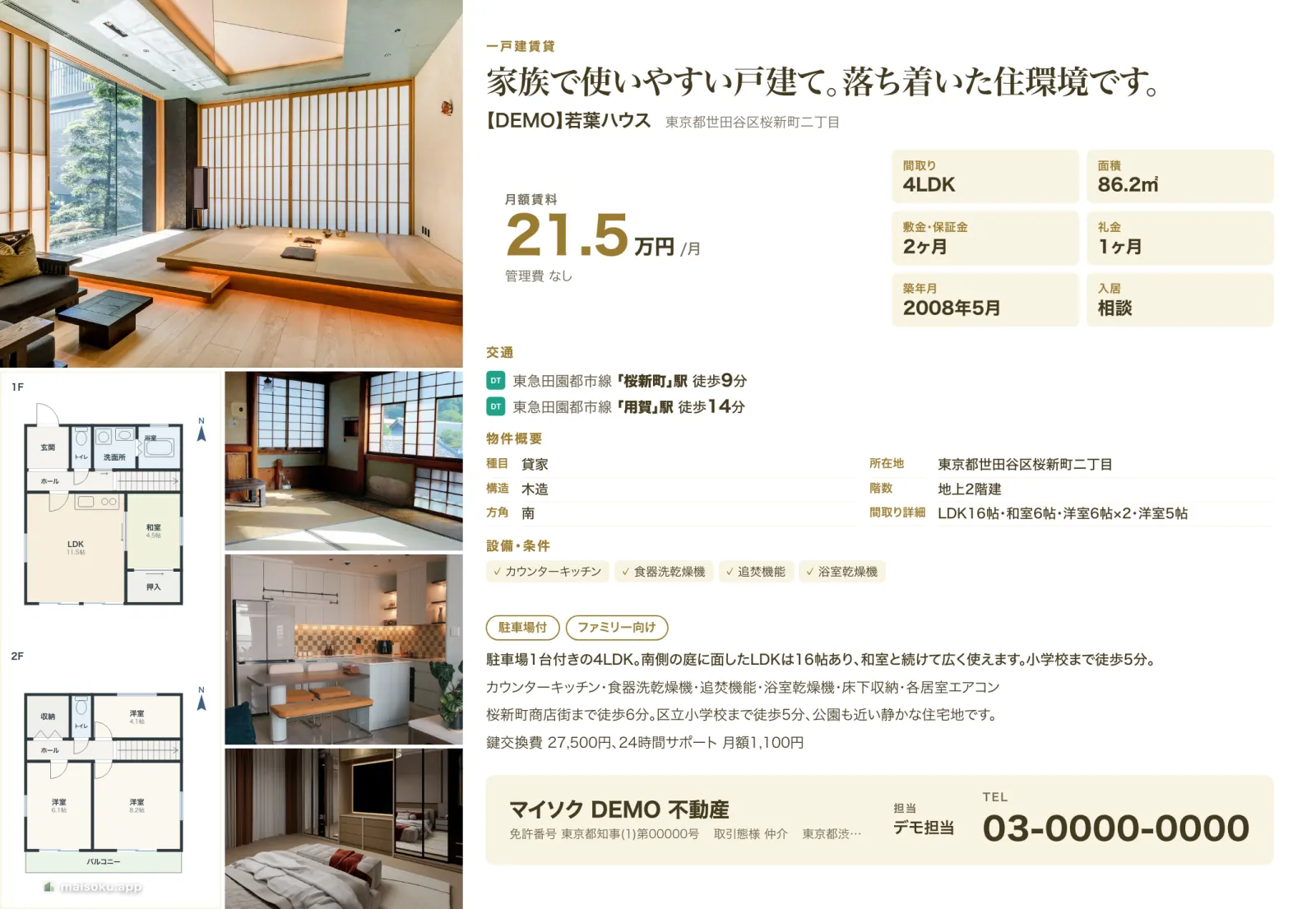
House for rentGallery 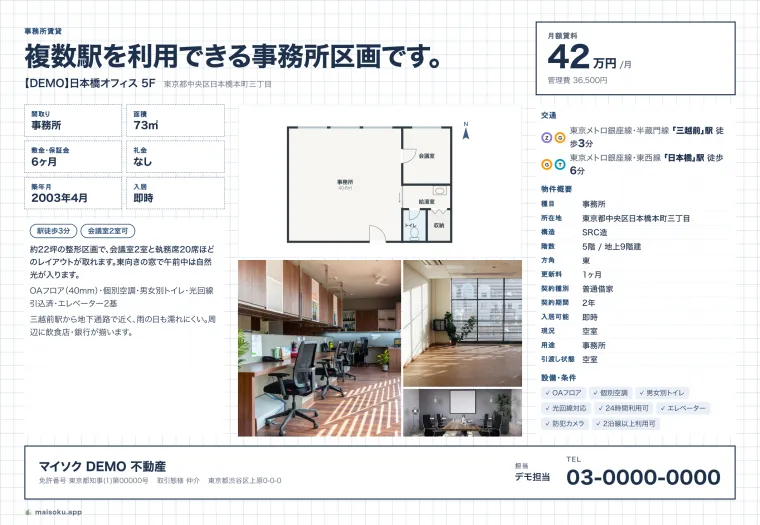
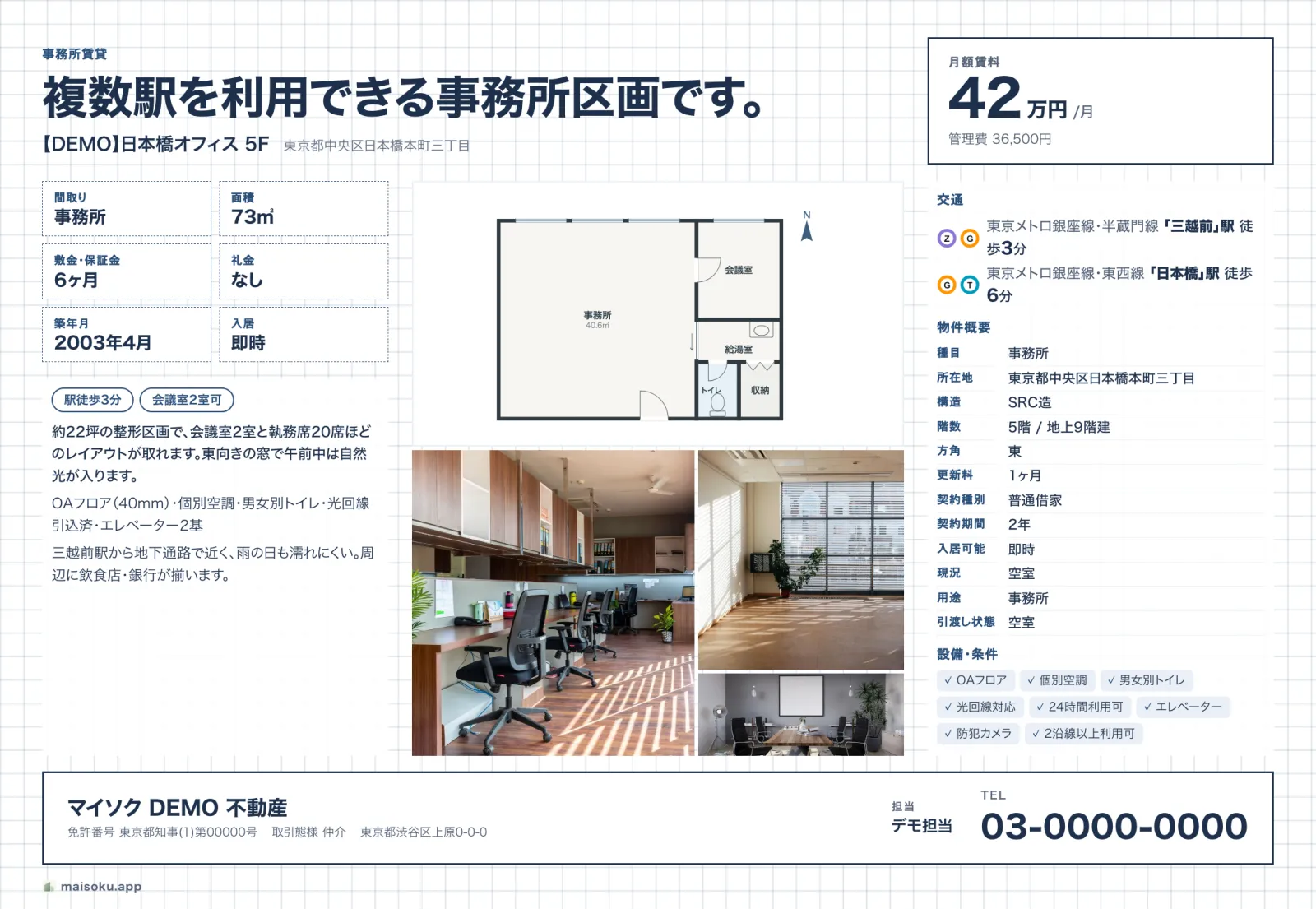
Office for rentBlueprint 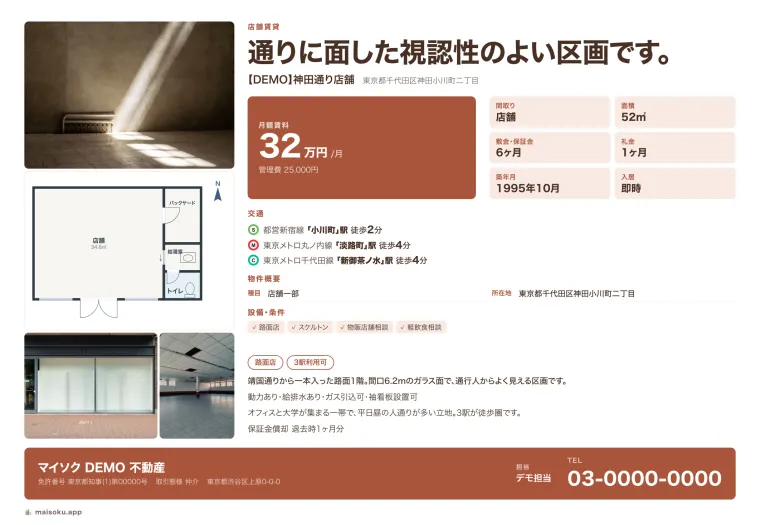
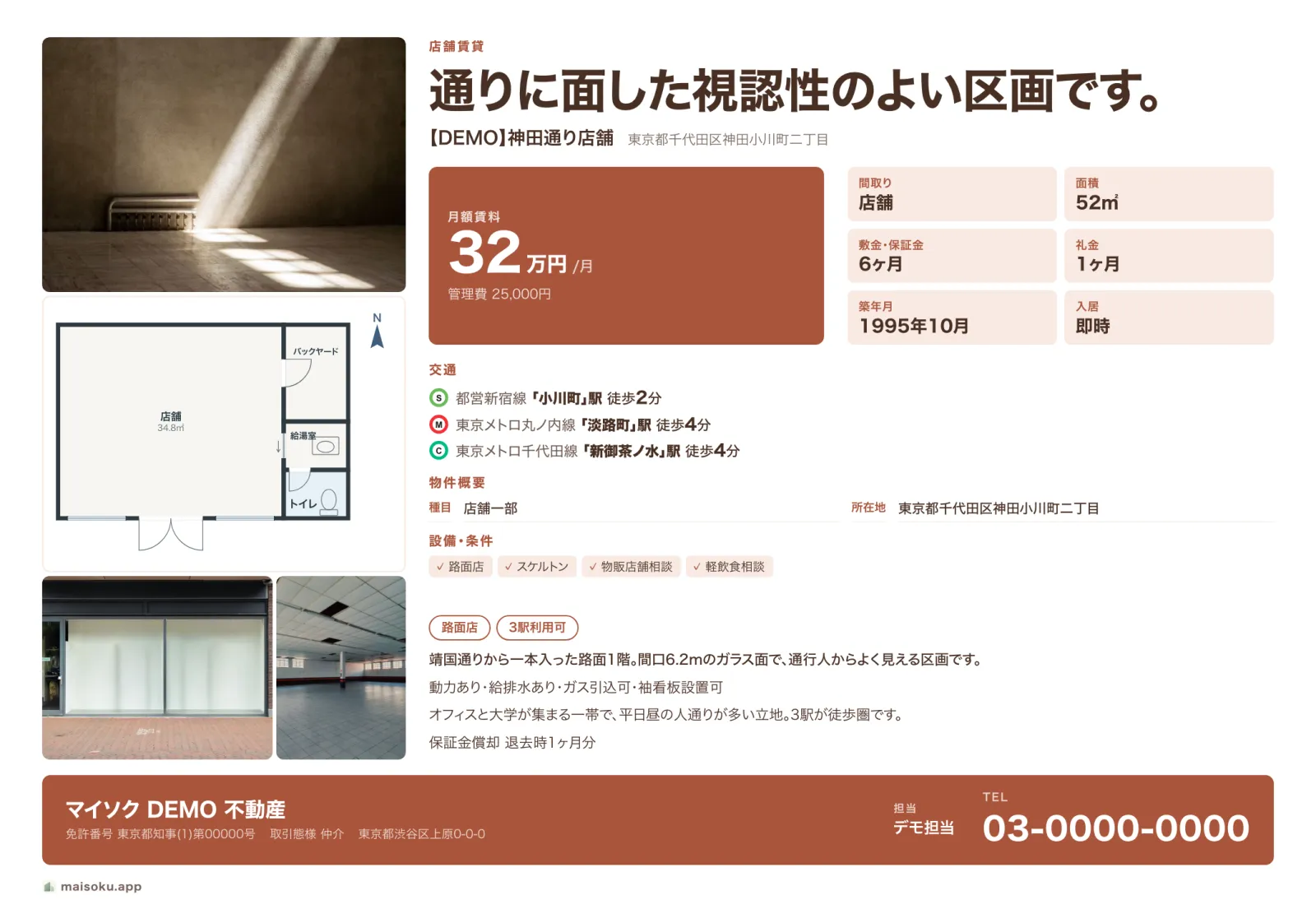
Shop for rentMagazine 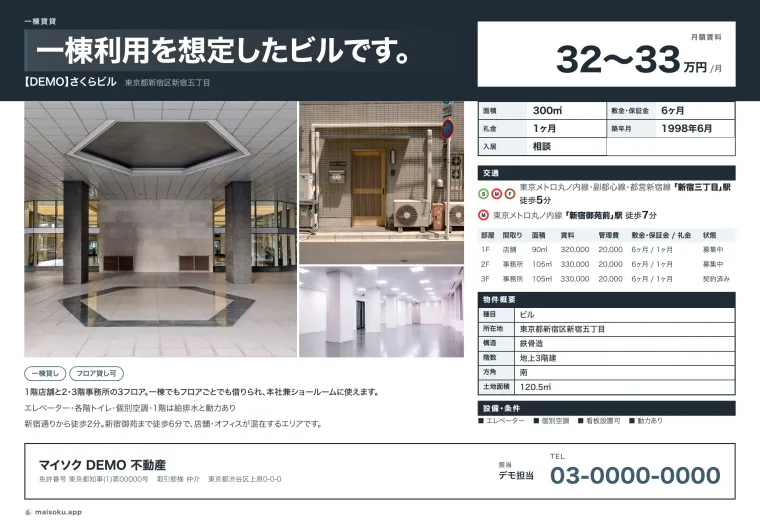
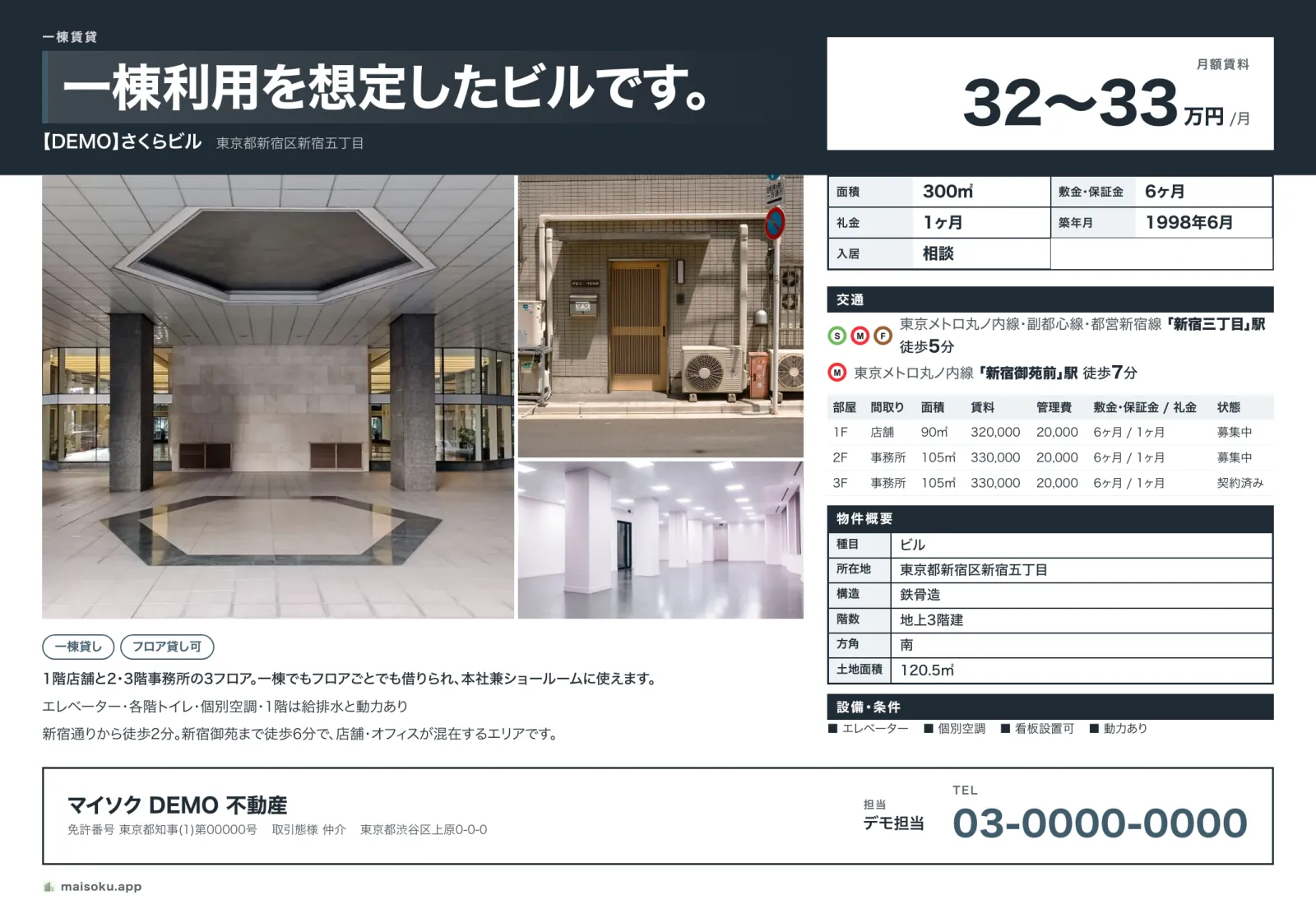
Whole building for rentLedger
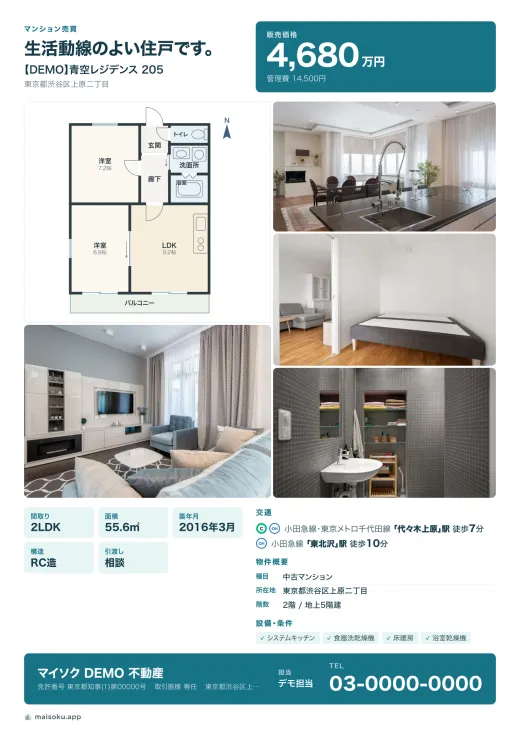
Apartment for salePortrait · Floor plan focus 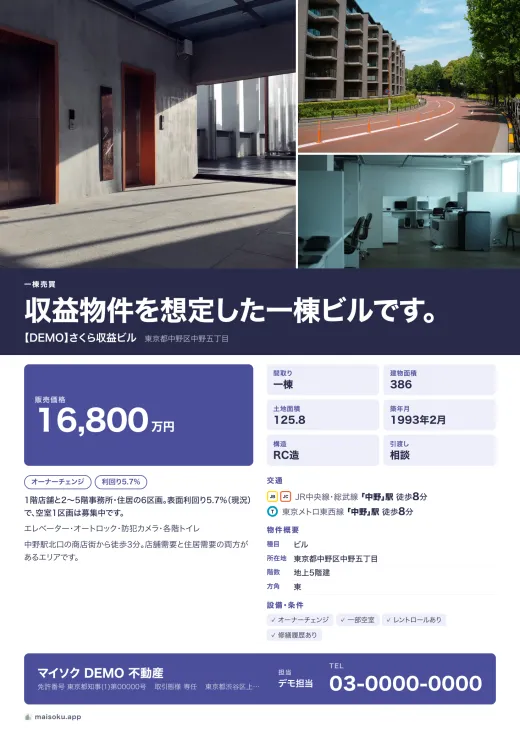
Whole building for salePortrait · Magazine 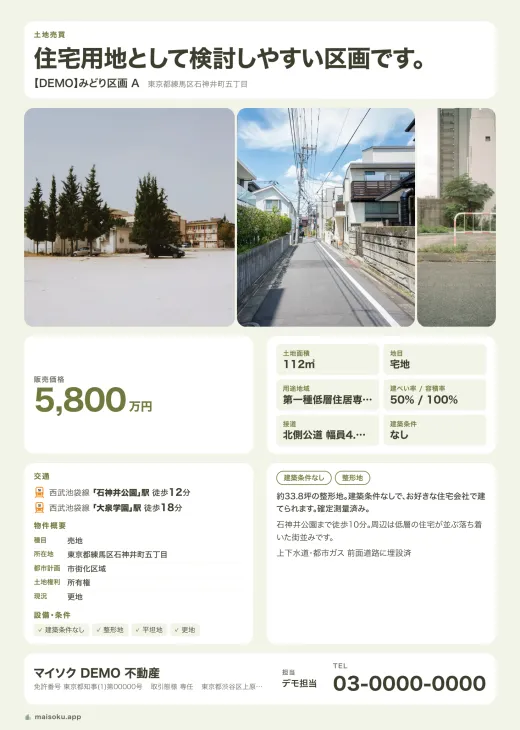
Land for salePortrait · Card 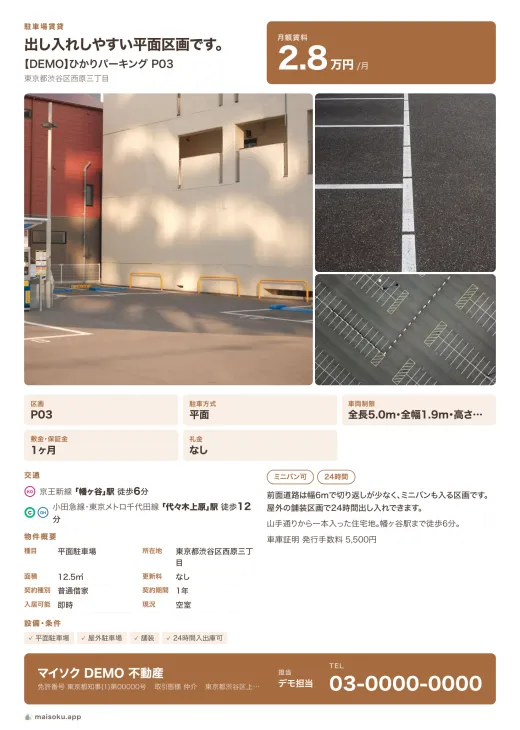
Parking space for rentPortrait · Standard
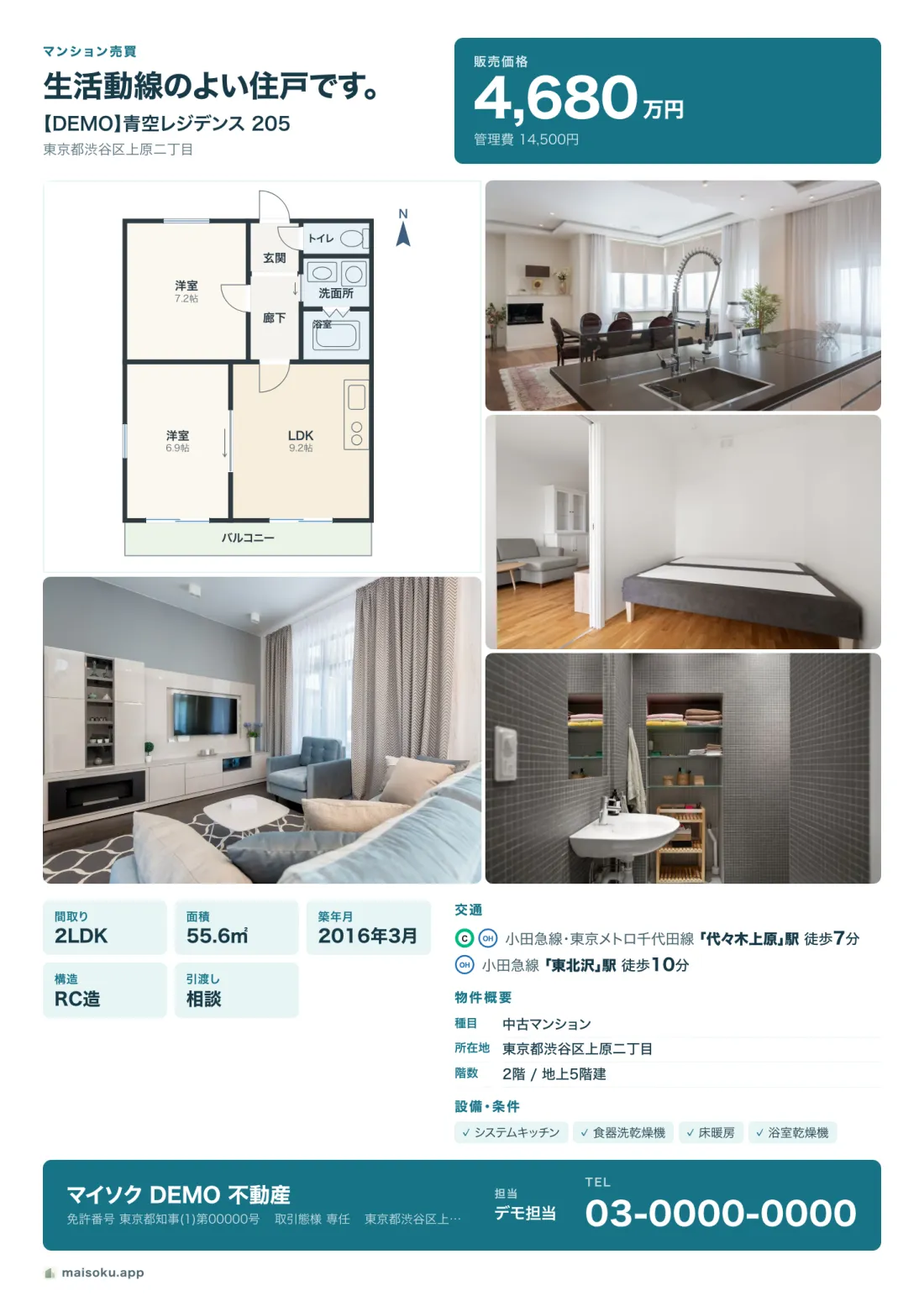
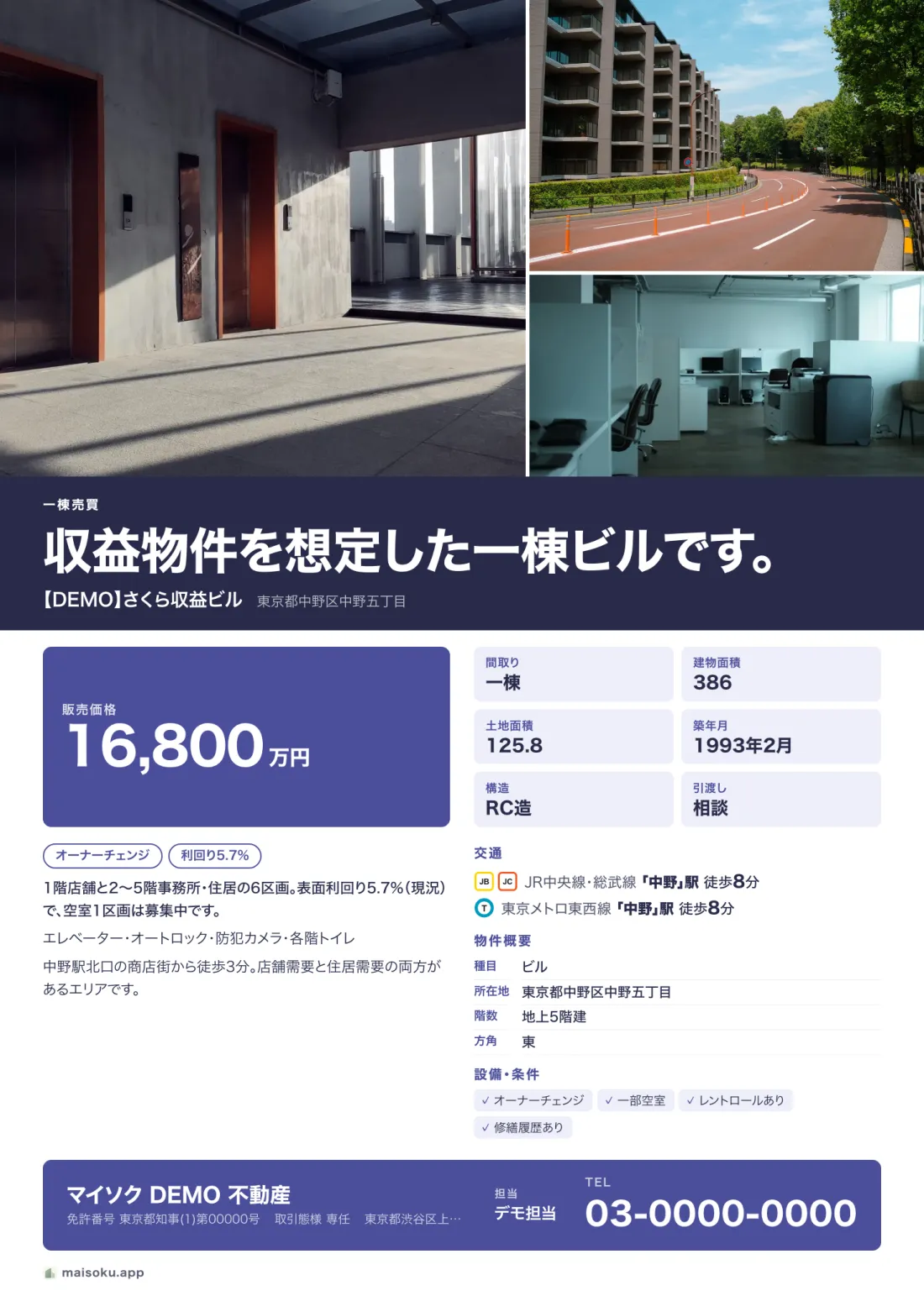
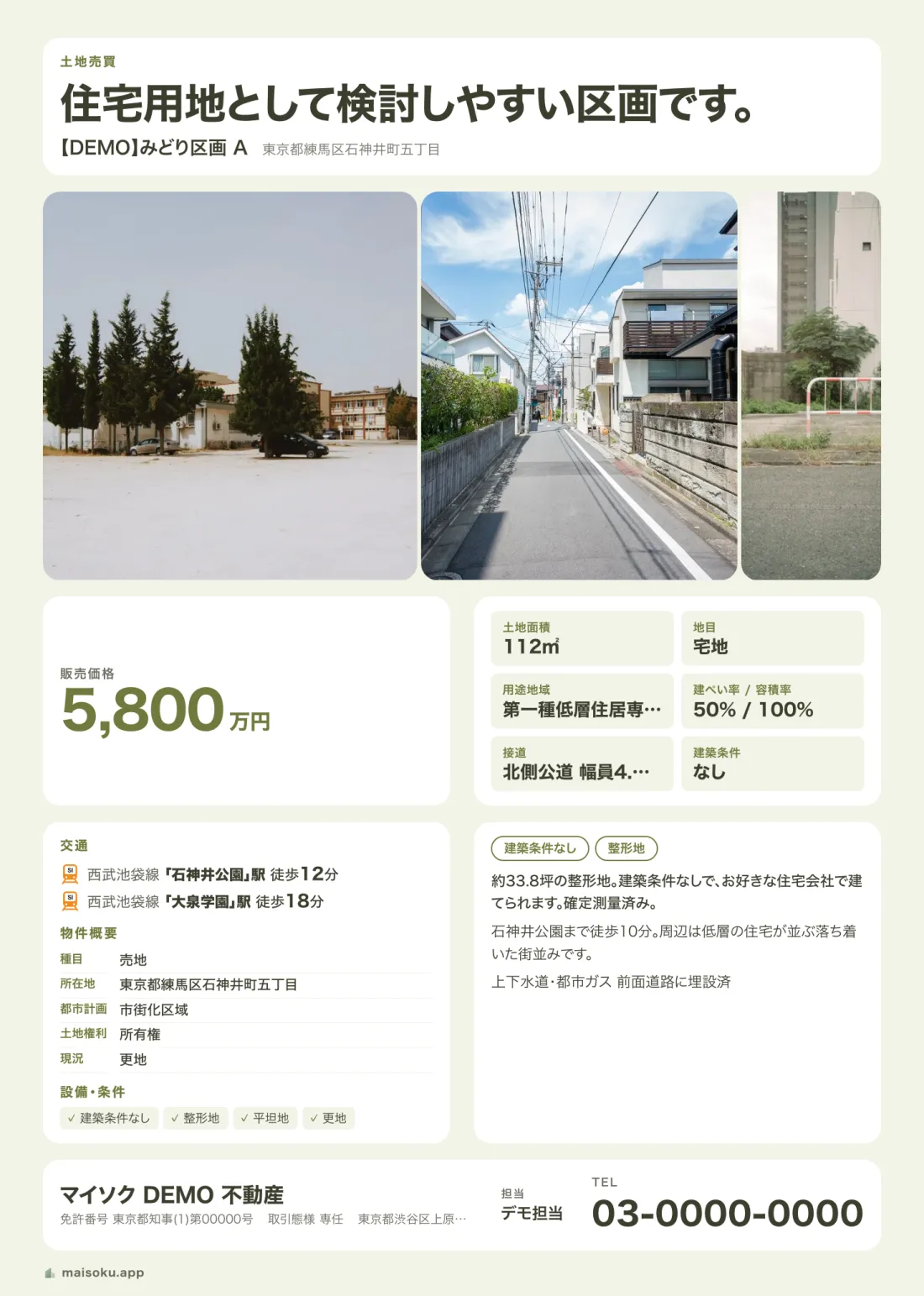
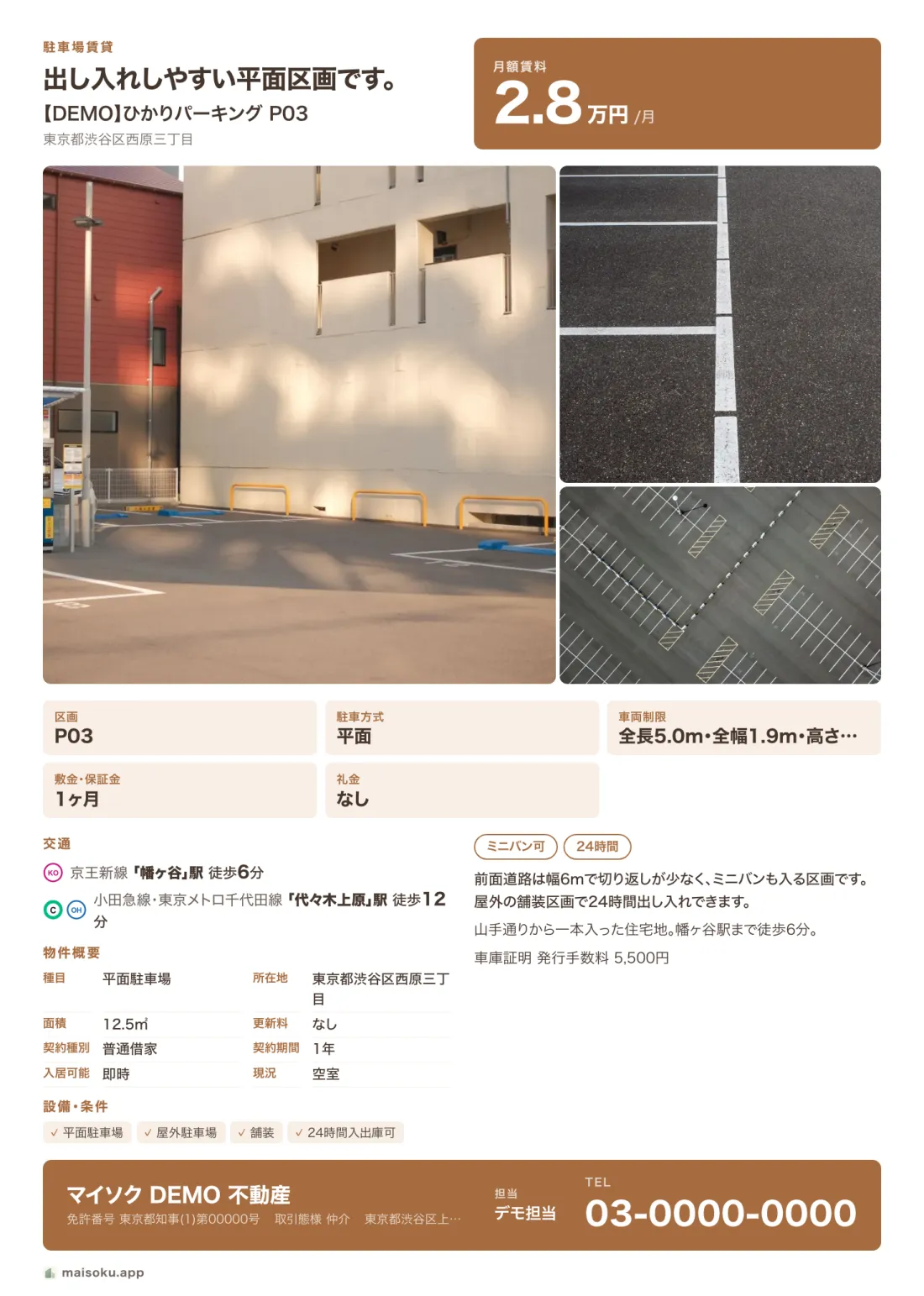
The properties, agency and phone numbers are fictional demo data, and the sheets are in Japanese. Select an image to see it larger.
The person who made it keeps it current
Flyer and page in one place
Both come from the same property record, so there is less copying and fewer mismatches.
Edit drafts offline
After your first sign-in, you can edit drafts on your device without a connection. Publishing and syncing need an internet connection.
The maker manages the status
The agent or company that made the flyer updates the status on the public page. Changes you have not synced are not shown to customers yet.
What you can do
One property record gives you three things: a sheet, a web page and social posts.
-
Sheet
Enter the property details and the A4 maisoku is laid out as you type.
- 20 landscape and portrait styles, each in 12 colours
- Up to 6 photos, arranged automatically with the floor plan
- Customer and broker versions: commission and internal notes never appear on the customer one
- Save as PDF and print
-
Web
Publish a page for each property from the same details.
- A listing page that reads well on a phone
- Available, application pending or contracted: the person who made it updates the status any time
- Shown in 11 languages, including Japanese, Chinese and English
- When a listing closes, it points to the same agency's available ones
-
Social
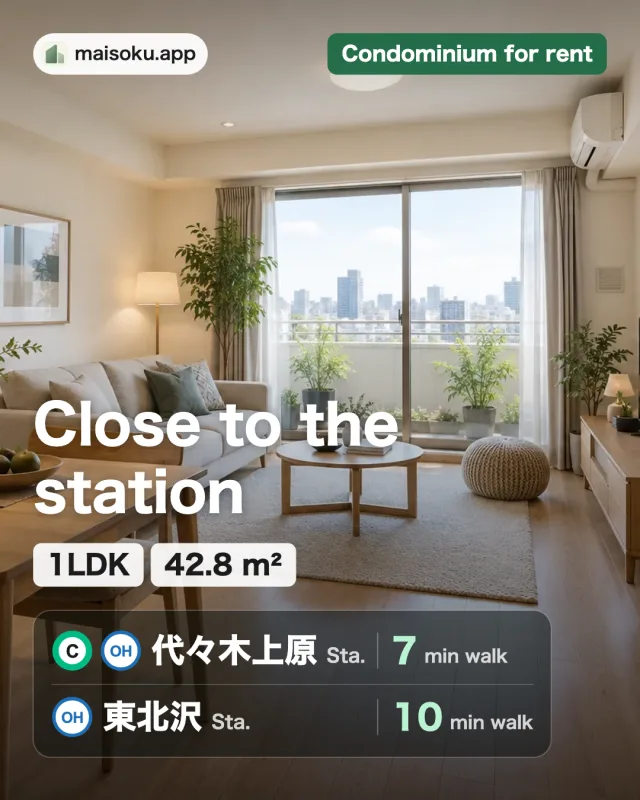
Cover images and post text come from the same details too.
- Cover images sized for Instagram, Threads and Xiaohongshu
- Photos and floor plans exported in the same ratio
- Post text and hashtags from templates
Pricing
Subscribe to Pro and Enterprise in the web and desktop apps. Annual billing saves more. Subscribe now at the launch price and keep it until you cancel. Pay by credit card and cancel any time. Prices include tax.
| Item | AvailableFreeFreeNo credit card needed | AvailablePro | AvailableEnterprise |
|---|---|---|---|
| Paying monthly | — | ¥800 / month | ¥1,500 / month |
| People | 1 | 1 | 3+ |
| Active listings | 10 | 100 | 300 (+100 per added person) |
| Active customers | 3 | No limit | No limit |
| Cloud storage | 100 MB | 5 GB | 15 GB (+5 GB per added person) |
| Shared listings and customers | — | — | Included |
| Machine translation allowance | Standard | 10× standard | 30× standard |
| Custom public URLs | — | Included | Included |
| Create an account to try it | Sign up from Settings in the app | Sign up from Settings in the app |
Included in every plan
- Flyer preview and PDF export
- Public pages and status updates
- Images and post text for SNS
- Photo watermark
- App and flyers in 11 languages
- 30-day trash
Frequently asked questions
Can I use it for free now?
Yes. Create an account to use it within the Free plan limits: 10 active listings, 3 active customers and 100 MB of cloud storage. Pro and Enterprise can be bought in the web and desktop apps.
What happens to my data if I go over a limit or move to a lower plan?
Your listings, customers and photos stay as they are, and you can still view and edit them. Published pages stay online. While you are over a limit, the only thing you cannot do is add more.
Does it work without an internet connection?
After your first sign-in, you can edit drafts on your device offline. Syncing and publishing need an internet connection.
Can it read property details from PDFs or photos?
Yes, for documents with readable text: labeled text, CSV, Excel, Word and PDF all create candidates, and on PC scans and photos can be read with OCR. You check the results before they become drafts. AI extraction is not available yet.
When do customers see a status change?
After you sync the change. Until then, the public page shows the previous status.
Can I use it with colleagues?
Yes, with Enterprise. The owner and admins make the members’ accounts, and the company shares its listings and customers. It includes 3 seats (the owner and two members), and seats can be added. You can sign up in the web and desktop apps.
Which devices does it support?
It runs in a web browser and as an Android app on Google Play. The iPhone and iPad app and the Mac and Windows desktop apps are not available yet.
Start by turning one property into a flyer
Once you create an account, you can add a property in the editor right away.
Create an account to try itPublishing and syncing need an internet connection.